Fog of war
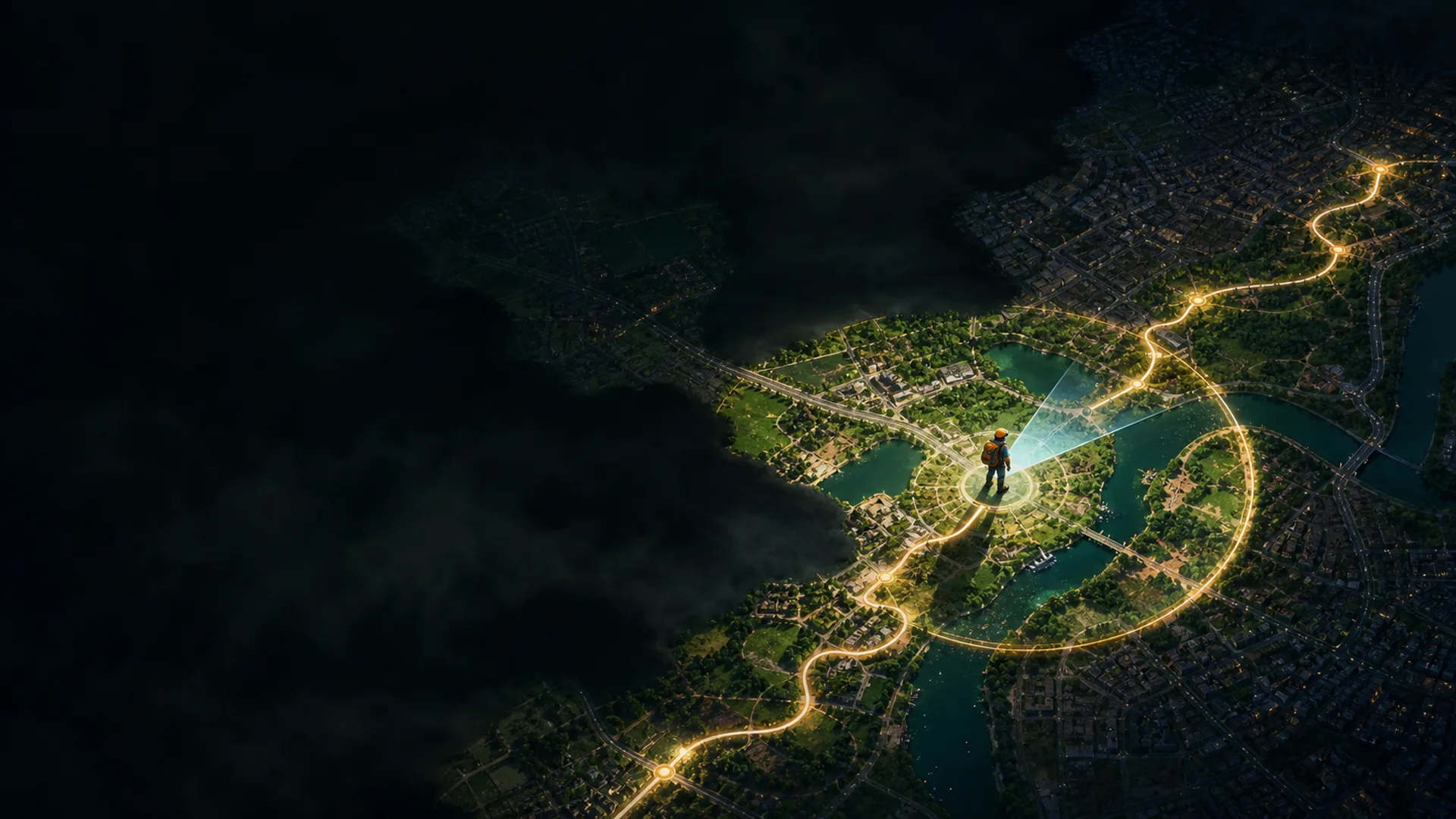
A black layer hides the map, and explored space grows only where you have actually been.
 Blockrun
Android • GPS • fog of war
Explore the real world like a game map: walk, reveal the ground around you, return to old routes, and watch familiar places become your own explored territory.
Idea
Blockrun places a fog-of-war layer over the real map. The app accepts stable GPS points, reveals the area around the player, and keeps the trail so discovered places survive restarts.
Open the map and grant location access.
Walk through a neighborhood, park, or trail: the area around the marker clears as you move.
Use compass mode, background tracking, or online sync when the route gets longer.
Features
A black layer hides the map, and explored space grows only where you have actually been.
The map can rotate with the phone heading and quickly snap back to your current position.
Blockrun supports multiple base layers, including Esri World Imagery and hybrid maps.
The filter rejects inaccurate jumps instead of drawing false corridors through the fog.
Progress can continue while the app is hidden by using a persistent Android notification.
Optional Google sign-in enables movement upload and history recovery from the server.
Under the hood
The app keeps revealed points locally in a compact binary format, can clear history, and separates real movement from sudden GPS jumps.
Control
Movement history is stored on the phone. Online mode is opt-in, sign-in uses Google, and sync is only for people who want to move progress between installs.
Install
The site keeps the update folders intact: the app still reads /updates/latest.json and downloads APK files from /downloads.